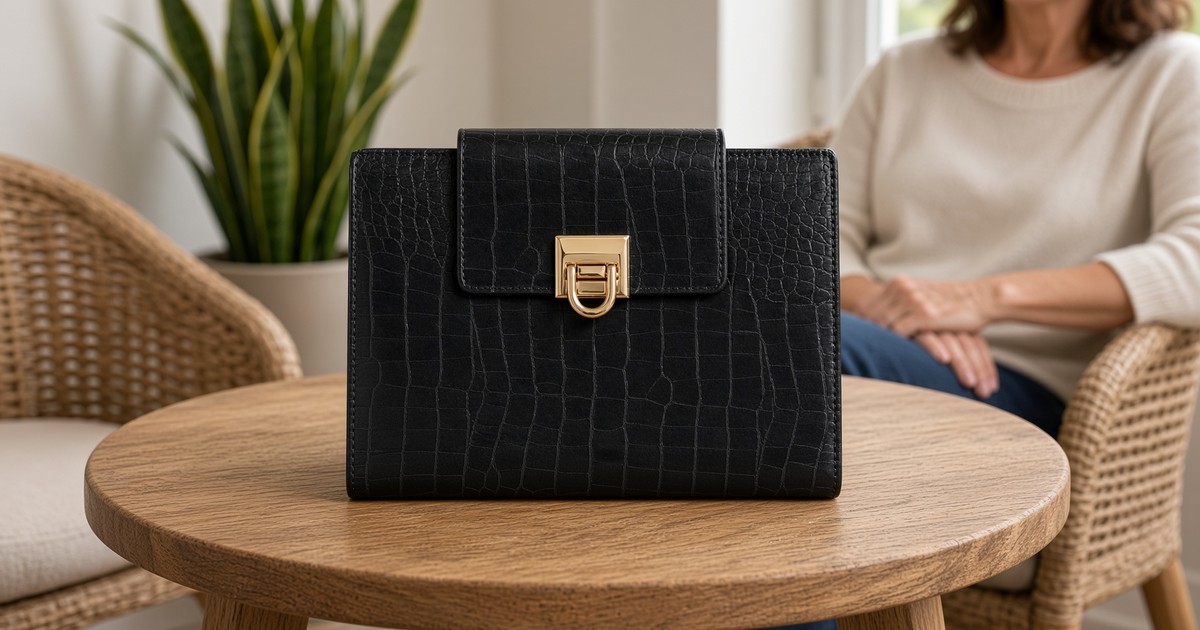
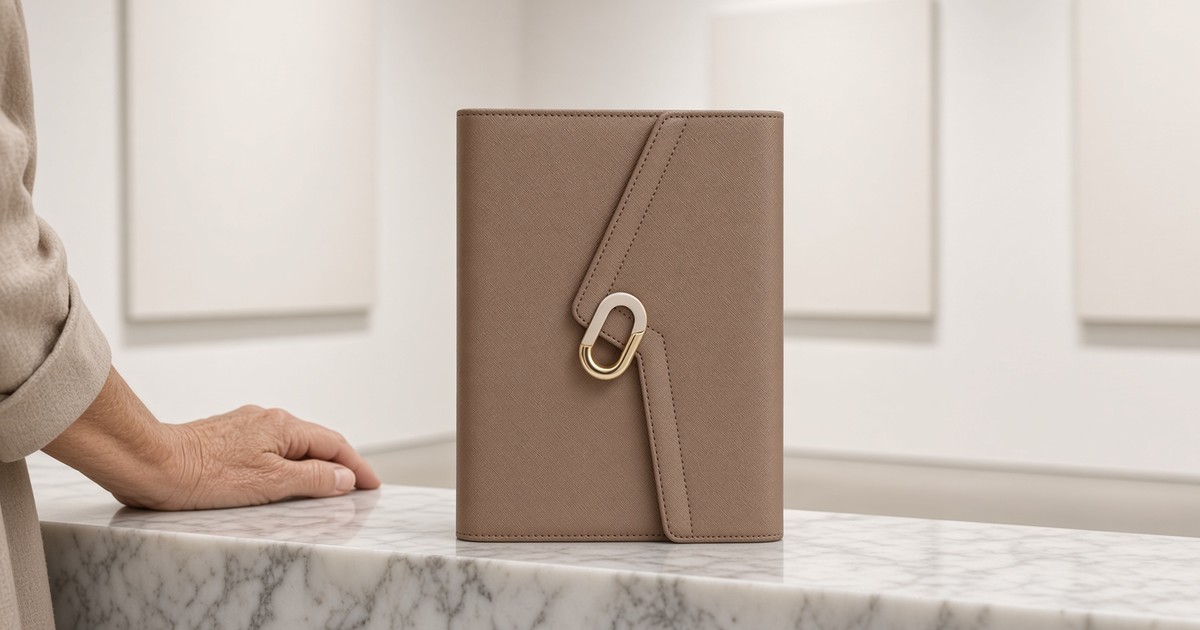
Give Each Weekday a Theme
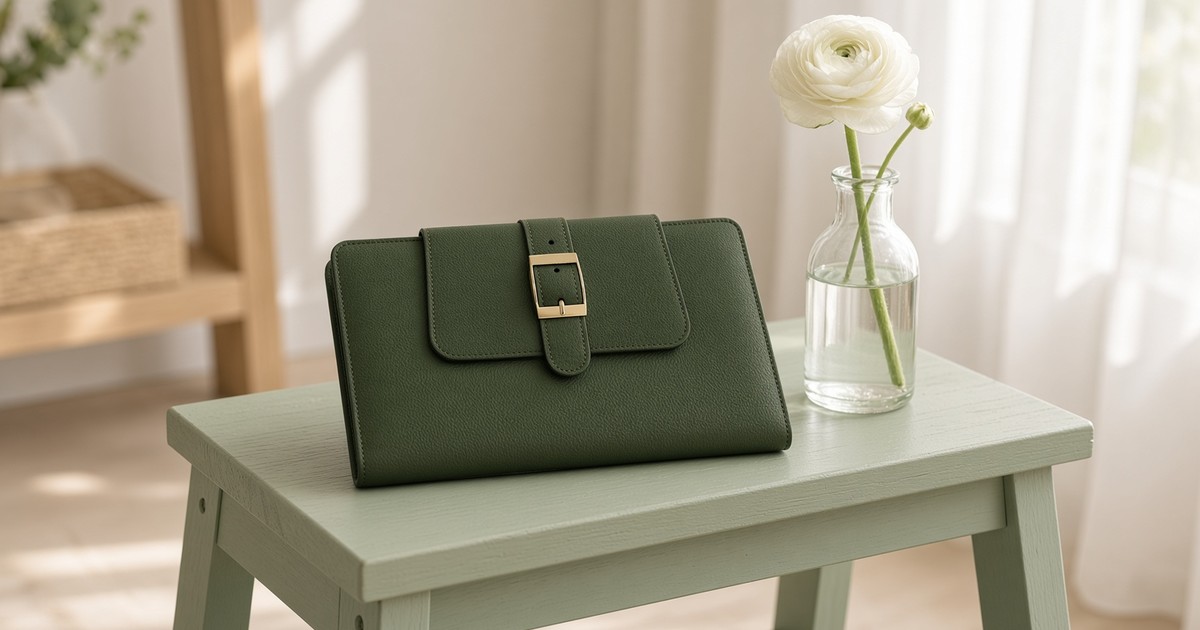
- A theme day groups similar tasks so you switch gears less often.
- Choose themes from the work you already repeat each week.
- Give every theme one protected anchor block, not the whole day.
- Keep space for meetings, errands and surprises around the theme.
- Review after two weeks and swap themes that do not fit.
To give each weekday a theme, look at the tasks you repeat, group them into a few focus areas and assign one to each day, with a protected anchor block and room for everything else. Fewer switches between kinds of work often means a calmer, more productive week.
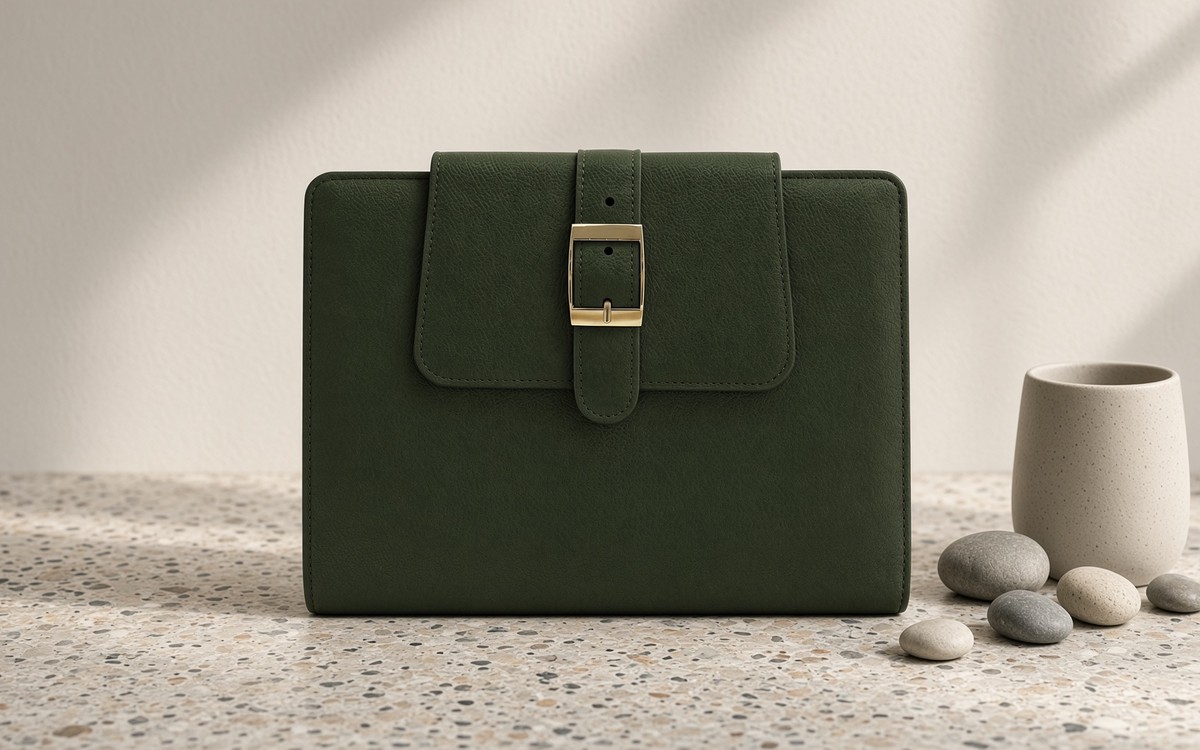
Why theme days help
Every time you jump from email to a report to a family errand, your mind needs a moment to catch up. Grouping similar tasks reduces those jumps. Theme days also answer a daily question before it is asked: “What should I focus on today?” The answer is already on the page.
Find themes in your real week
Look back at the last two weeks in your planner. Which kinds of tasks keep returning? Common groups include admin and money, client or team work, creative or deep work, planning and learning, and home and family. Pick the three to five that matter most. For a wider view of your week, see How to Plan a Busy Life: A Weekly System.

Give each theme an anchor block
A theme does not need the whole day. Choose one protected block, perhaps ninety minutes in the morning, and write the theme at the top of the day’s page. Admin Monday might mean bills and inbox before ten. Creative Wednesday might mean a quiet morning for writing. The rest of the day can hold whatever comes. To make the anchor block count, try Deep-Work Focus Blocks in Your Planner.
Leave space around the theme
Meetings, school pick-ups and surprises still arrive. Plan the theme block first, then fit fixed commitments around it, and keep at least one open hour each day. When something urgent lands, the theme waits patiently for the next open slot rather than collapsing.
Make themes visible
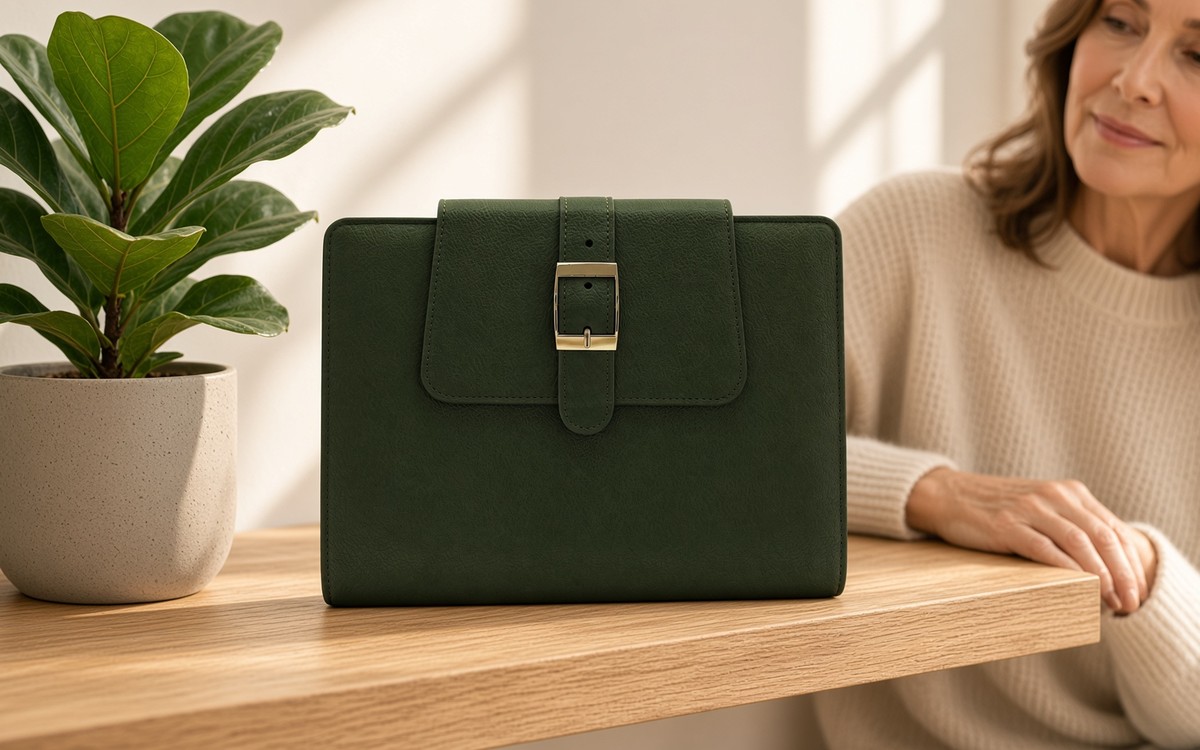
Write each theme on your weekly page or use a small color mark for each one. A quick glance tells you what Tuesday is for. If you use a ring-bound planner, a divider for each theme is a simple way to keep related notes together.
Review after two weeks
At your weekly review, ask which themes felt natural and which fought your schedule. Swap days, merge two light themes or drop one entirely. Sunday Reset: A Simple Weekly Review offers a gentle routine for that check-in. The best theme week is the one that fits your life, not someone else’s template.
Related reading
- How to Plan a Busy Life: A Weekly System
- Sunday Reset: A Simple Weekly Review
- Deep-Work Focus Blocks in Your Planner
Where to find EGOSUNNY
Confirm the latest details on the official product page for your market before you buy — sizes, materials, page counts, accessories and colors can differ by version and region. Availability varies by marketplace and season; use the listing for your region for current options.
One focus a day. A calmer week.